Signing up
Logging in to XNAT uses the Australian Access Federation (AAF). How you start depends on whether your organisation is an AAF member.
If your organisation is part of the AAF, you already have everything you need to log in. The full list of AAF members is on the AAF site.
Logging into XNAT
Section titled “Logging into XNAT”-
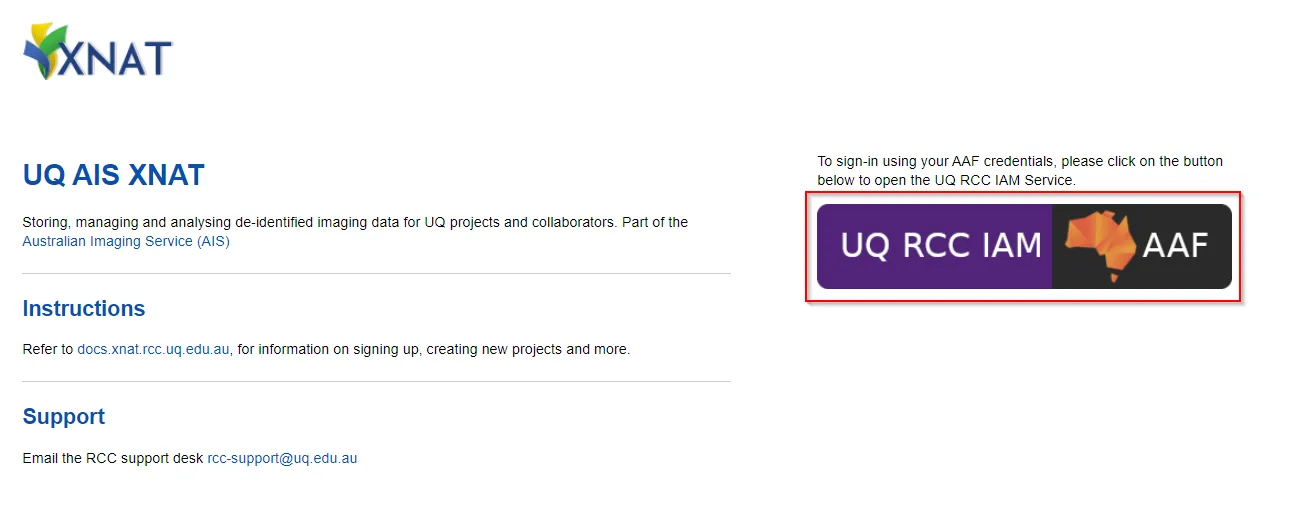
Open https://xnat.rcc.uq.edu.au
Note
This is the link to the UQ XNAT. If you have been provided with a project specific XNAT link to use, use that one instead
-
Log in with the AAF Single sign-on button (shown below).
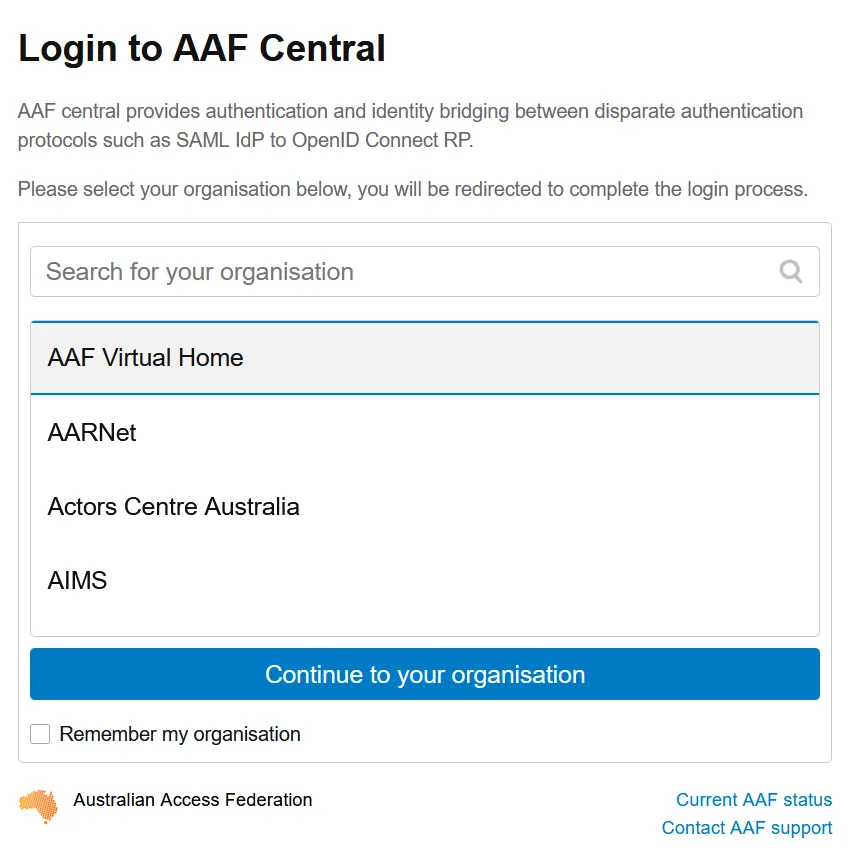
Follow the AAF login process for your organisation
-
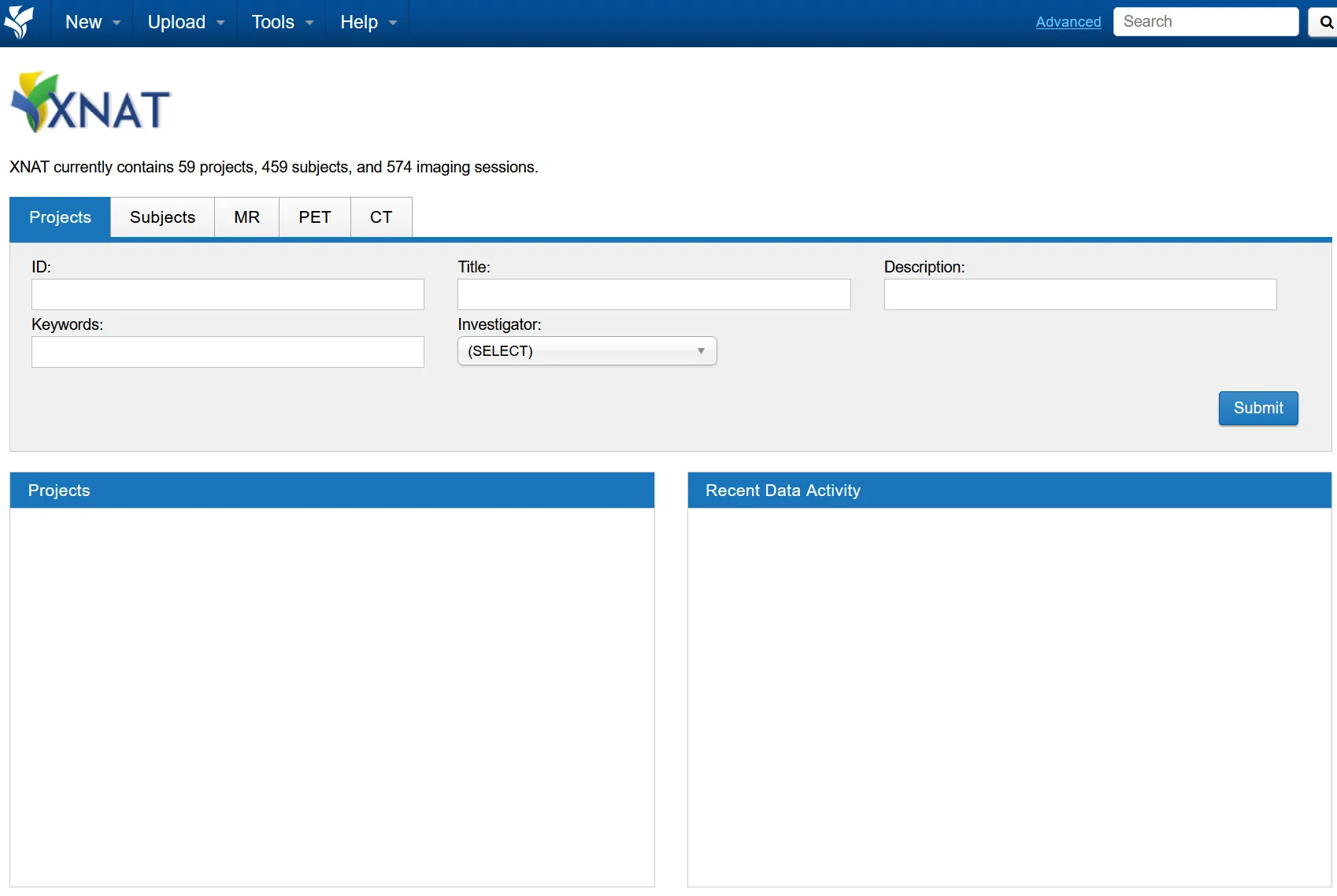
After the AAF sign-in, you should be redirected back to XNAT.
There will be no projects listed the first time, as your user account has only just been created.
Your XNAT project
Section titled “Your XNAT project”If your organisation is not an AAF member, QCIF and QRIScloud can provide an AAF Virtual Home (VHO) account so you can log in. Request that first.
Request an AAF VHO account
Section titled “Request an AAF VHO account”-
Open a ticket with RCC support. Fill in your details below, then copy the generated email into your mail client.
To rcc-support@uq.edu.au Subject Body -
AAF’s VHO service will email you about the account registration process.
Logging into XNAT
Section titled “Logging into XNAT”-
Open https://xnat.rcc.uq.edu.au and log in with the AAF Single sign-on button.
-
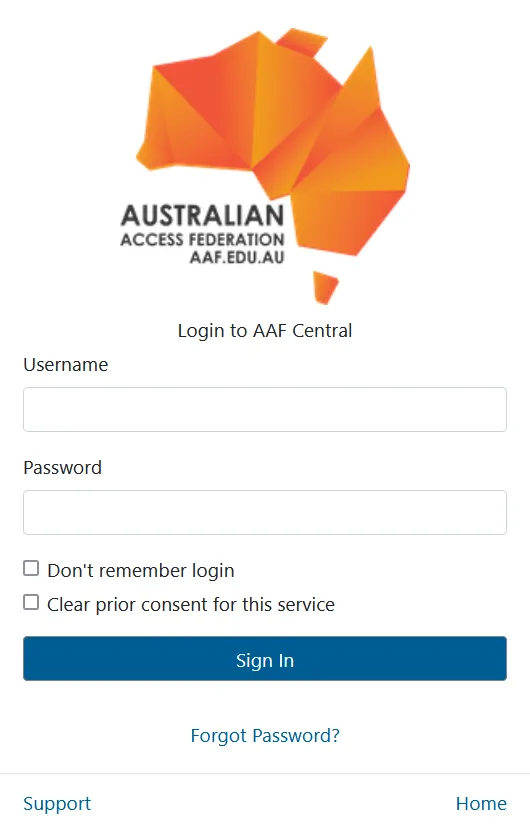
Select the AAF Virtual Home option and log in with your VHO credentials.
-
After the AAF sign-in you are redirected back to XNAT. There will be no projects listed the first time.